How to Sell Your Art Prints Online
In this article
You already made the art. The hard part is turning it into sales without guessing your way through five different platforms.
Most artists pick a platform first and figure out the rest later. That backfires. The platform you choose determines your margin, your workload, and how fast you can list your first print. Get the format decision right before you touch a listing page, and everything downstream gets easier.
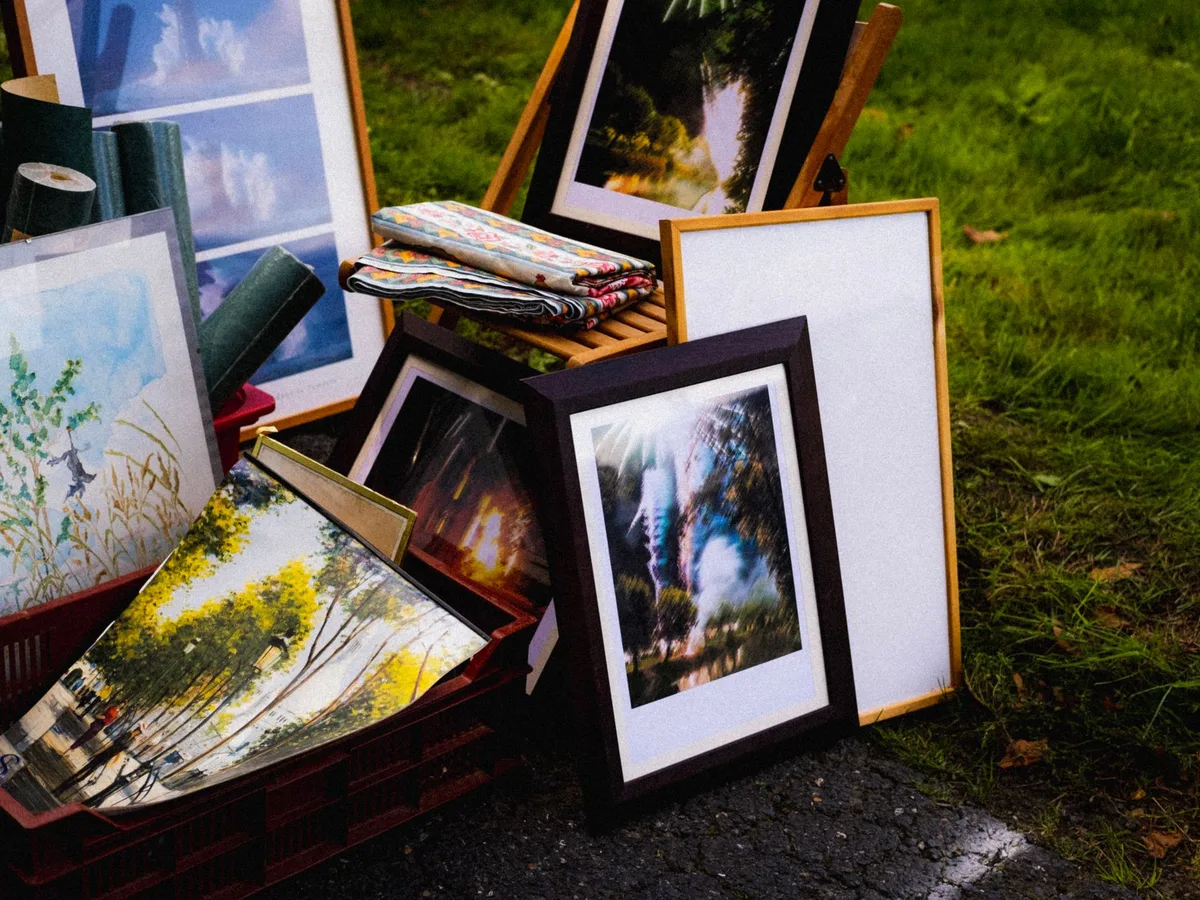
This guide covers the three real paths to selling art prints (Etsy, print-on-demand marketplaces, and your own store) plus the file prep and pricing decisions that determine whether you actually turn a profit.
Should You Sell Digital Downloads or Print-on-Demand Art Prints?
Digital downloads are files buyers print themselves; you set the price, keep the full margin minus platform fees, and never touch inventory or shipping. Print-on-demand (POD) art prints are physical products a third-party printer fulfills after each sale, and the platform sets or caps your margin in exchange for handling printing, packing, and shipping. Most sellers start with digital downloads because they require no upfront cost and no fulfillment logistics.
The decision comes down to control versus convenience.
Digital downloads put you in charge of pricing and margin. A file that costs you an hour of design time can sell indefinitely with zero marginal cost per sale. The tradeoff: buyers have to print it themselves, which is a small but real barrier for anyone who doesn’t own a printer or want to visit a print shop.
Physical prints remove that barrier. The buyer receives a finished product, a paper print, sometimes framed, ready to hang. POD platforms handle the printing, packing, and shipping, which means you never hold inventory or deal with a return on a damaged shipment. The cost is margin. The platform’s printing and fulfillment costs come out of the sale price before you see a cent.
A third option, selling physical prints yourself through a local print shop and shipping them personally, exists, but it adds inventory risk and fulfillment labor that most new sellers should skip until volume justifies it.
How Do You Sell Art Prints on Etsy?
Etsy remains the highest-traffic marketplace for both digital and physical art prints, and it supports both formats in the same shop.
For digital downloads, the workflow is: upload your print file (or size bundle), set automatic delivery, and Etsy’s marketplace search does the discovery work. Buyers pay, download instantly, and print locally. You never touch a physical product.
For physical prints, Etsy sellers use two approaches. Some fulfill orders themselves, printing at home or through a local lab and shipping directly. Others connect a POD integration (Printify or Printful are the two most common) so Etsy handles the listing and the POD partner handles printing and shipping automatically when an order comes in.
Etsy charges the same core fees regardless of format: a per-listing fee that renews on a set cycle, a transaction fee on the sale price plus any shipping charged, and a payment processing fee. Digital listings skip the shipping-related fees entirely, which is one reason many new sellers start there. Exact current rates are published on Etsy’s seller fee policy page: check it before pricing your first listing, since fee structures get updated periodically.
The sellers doing well on Etsy prints are not winning on volume of listings. They’re winning on a defined visual identity: a consistent color palette, a recurring subject or style, a specific room aesthetic their buyers search for. A small shop with tightly-themed listings tends to outperform a larger shop with scattered ones, because search relevance and repeat-buyer trust both reward focus.
For a deeper walkthrough of Etsy-specific listing mechanics (title structure, tag strategy, and the exact size bundles buyers expect), see our guide to selling prints on Etsy.
Which Print-on-Demand Marketplaces Work Best for Art Prints?
Standalone POD marketplaces work differently than Etsy plus a POD integration. On platforms like Redbubble, Society6, and INPRNT, you upload artwork once and it becomes available across the platform’s full product catalog: prints, but often also apparel, home goods, and accessories built from the same file.
The tradeoff for that reach is control. These platforms typically set a base production cost and let you add a margin on top, within a range the platform defines. Your earnings per sale are usually lower than a self-fulfilled Etsy digital download, because the platform is absorbing all printing, materials, and shipping costs. In exchange, you get built-in marketplace traffic and zero fulfillment work: upload once, and every future sale is fully passive.
These platforms make the most sense as a secondary channel rather than a primary one. Artists who already have an audience or an Etsy shop use POD marketplaces to capture sales they’d otherwise miss: buyers browsing the platform itself, or buyers who want a product type (a tote bag, a phone case) the artist doesn’t sell directly. Treating a POD marketplace as your only channel usually means leaving margin on the table you could capture elsewhere.
Should You Sell Art Prints Through Your Own Online Store?
A self-hosted store, built on Shopify, Squarespace, or a similar platform, gives you full control over pricing, branding, and the customer relationship. No marketplace fee eats into every sale, and you own the email list and repeat-buyer relationship directly instead of routing it through a platform’s messaging system.
The tradeoff is traffic. Etsy and POD marketplaces bring built-in shoppers actively searching for art. A standalone store brings nobody until you build an audience or run ads to it. Most sellers who succeed with an own-store approach already have some following: a social media presence, an email list, or an existing marketplace shop they’re migrating traffic from.
For fulfillment, an own store handling physical prints typically connects to a POD service like Printful or Printify behind the scenes, using the same production model as the Etsy POD integration, just running through your own checkout instead of Etsy’s. Digital downloads through your own store work the same way as Etsy digital: upload the file, set automatic delivery, keep the margin minus your store platform’s fees.
The realistic path for most artists: start on Etsy or a POD marketplace to validate that your art sells at all, then add an own-store channel once you have proof of demand and an audience worth directing to it.
How Do You Prepare Print-Ready Files for Art Prints?
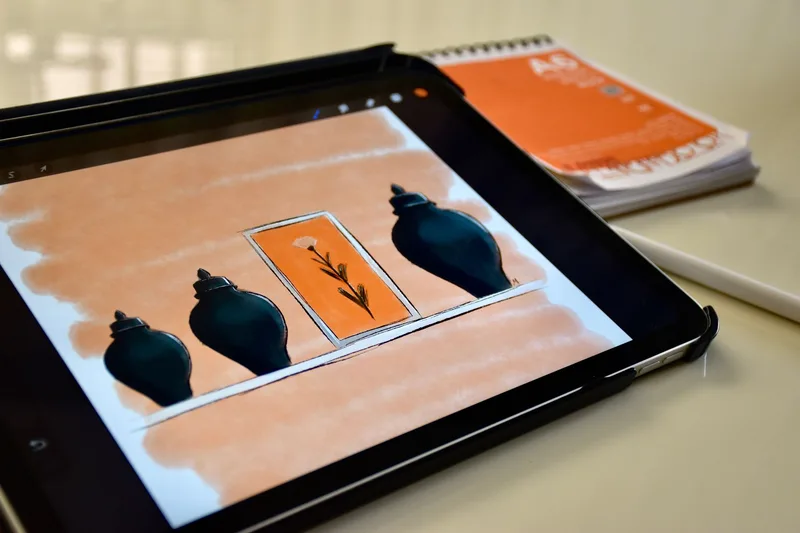
File quality determines whether a print looks sharp on a wall or pixelated up close, and it’s the step most new sellers rush.
For digital art created in Procreate, Photoshop, or Canva, export at 300 DPI (dots per inch) at your largest intended print size. That’s the standard minimum for sharp output at most local and online print labs, per general print-industry resolution guidance (Adobe’s image resolution documentation covers the underlying math). A file built at 300 DPI for an 8x10 print can be safely downsized for smaller formats, but it can’t be scaled up to a larger size without visible quality loss.
For scanned physical artwork (watercolor, ink, gouache), scan at 600 DPI minimum using a flatbed scanner or a professional scanning service. Phone photos rarely hold up once printed at any real size, even with good lighting, because compression and lens distortion degrade fine detail that only shows up at print resolution.
Common size bundles buyers expect: 5x7, 8x10, 11x14, A4, and A3, delivered as either separate JPEG files or a single multi-page PDF. JPEG at maximum quality settings is the safest universal format: every print lab and home printer handles it without conversion issues. PNG is worth using only when your art has transparency or a hard-edged border you want preserved exactly.
What Does It Cost to Sell Art Prints on Each Platform?
| Channel | Typical Fees | Who Handles Fulfillment | Margin Control | Built-In Traffic |
|---|---|---|---|---|
| Etsy (digital download) | Listing fee + transaction fee + payment processing fee | You (instant digital delivery) | Full: you set the price | High |
| Etsy (POD via Printify/Printful) | Etsy fees + POD production cost | POD partner | Partial: price minus production cost | High |
| Redbubble / Society6 / INPRNT | Platform sets base cost; you add margin within a range | Platform | Limited: margin is platform-constrained | Medium |
| Own store (Shopify + Printful) | Store platform fee + payment processing + POD production cost | POD partner | Full: you set retail price | Low (you drive it) |
Exact percentages and dollar amounts shift over time on every platform, so check each platform’s current published fee page before finalizing your pricing. The table above reflects the structure, not fixed numbers you should copy directly. Our Etsy pricing calculator can help you back into a price that covers Etsy’s current fees plus your target margin.
Ready to figure out which platform fits your art and your goals? Compare Etsy, Gumroad, and Shopify side by side in our full platform comparison guide. Five minutes, no signup required.
What Are the Pros and Cons of Selling Art Prints Online?
Pros:
- Multiple viable channels exist for every skill and risk level: digital-only if you want zero fulfillment work, POD if you want physical products without inventory, or your own store if you want full margin control.
- Digital downloads have effectively zero marginal cost per sale once the file is created, so a single print can generate income indefinitely with no reprint work.
- POD platforms remove the two biggest physical-product barriers: no upfront inventory cost and no personal shipping labor.
Cons:
- Marketplace fees compound. Between listing fees, transaction fees, and payment processing, a meaningful share of each sale goes to the platform before it reaches you.
- POD margins are the tightest of the three models, since the platform’s production and shipping costs come out of the sale price first.
- Standalone stores require you to bring your own traffic, which means slower initial sales unless you already have an audience.
Frequently Asked Questions
How much does it cost to start selling art prints online?
Digital downloads on Etsy have the lowest entry cost, typically just a small per-listing fee, since there’s no inventory or printing cost upfront. Physical POD prints require no inventory investment either, since the platform only produces a print after a sale occurs. Your own store adds a monthly platform subscription on top.
Do I need a scanner to sell art prints if my work is digital?
No. Digital art created directly in Procreate, Photoshop, or Canva exports straight to a print-ready file with no scanning step. Scanning at 600 DPI is only necessary for reproducing physical artwork like watercolor, ink, or gouache pieces that started on paper or canvas.
Can I sell the same art print on Etsy and a POD marketplace at the same time?
Yes. Most artists list the same file across multiple channels: Etsy for direct control and higher margin, plus a POD marketplace like Redbubble for passive reach into buyers who wouldn’t find the Etsy shop otherwise. There’s no exclusivity requirement between these platforms.
What size should my art print files be?
Standard size bundles buyers expect are 5x7, 8x10, 11x14, A4, and A3. Build your source file at 300 DPI for the largest size in that bundle, then export smaller sizes from the same file. Downsizing preserves quality, but upsizing a smaller file to a larger print loses sharpness.
Do I own the copyright to art prints I create and sell?
Yes, by default. Original artwork you create is automatically protected by copyright the moment it’s made, without needing to register it, per the U.S. Copyright Office’s general FAQ. Registration isn’t required to sell prints, but it does strengthen your legal position if someone reproduces your work without permission.
Ready to Pick Your Platform?
The format decision (digital, POD, or your own store) matters more than which specific platform you choose first. Get that right, and you can add channels later without redoing your file prep or pricing strategy from scratch.
Start with our platform comparison guide to see fees and traffic side by side, or jump straight into selling prints on Etsy if you already know that’s your first channel.
Keep Reading
What to Do Next
Choose the path that fits where you are right now.
Score Your Ideas
Answer a few questions about your skills, audience, and goals. Get a product type and selling platform matched to you.
Take the QuizGet Weekly Tactics
One tip, one tool, one case study. Every Tuesday.
Free. No spam. Unsubscribe anytime.